
Playful activities
Colorful exercises turn counting, matching, spelling, and creative tasks into small learning adventures.
Explore activitiesNorthville 15 Integrated School
A safe and joyful learning space where young learners explore activities on Android while teachers guide progress from one simple portal.
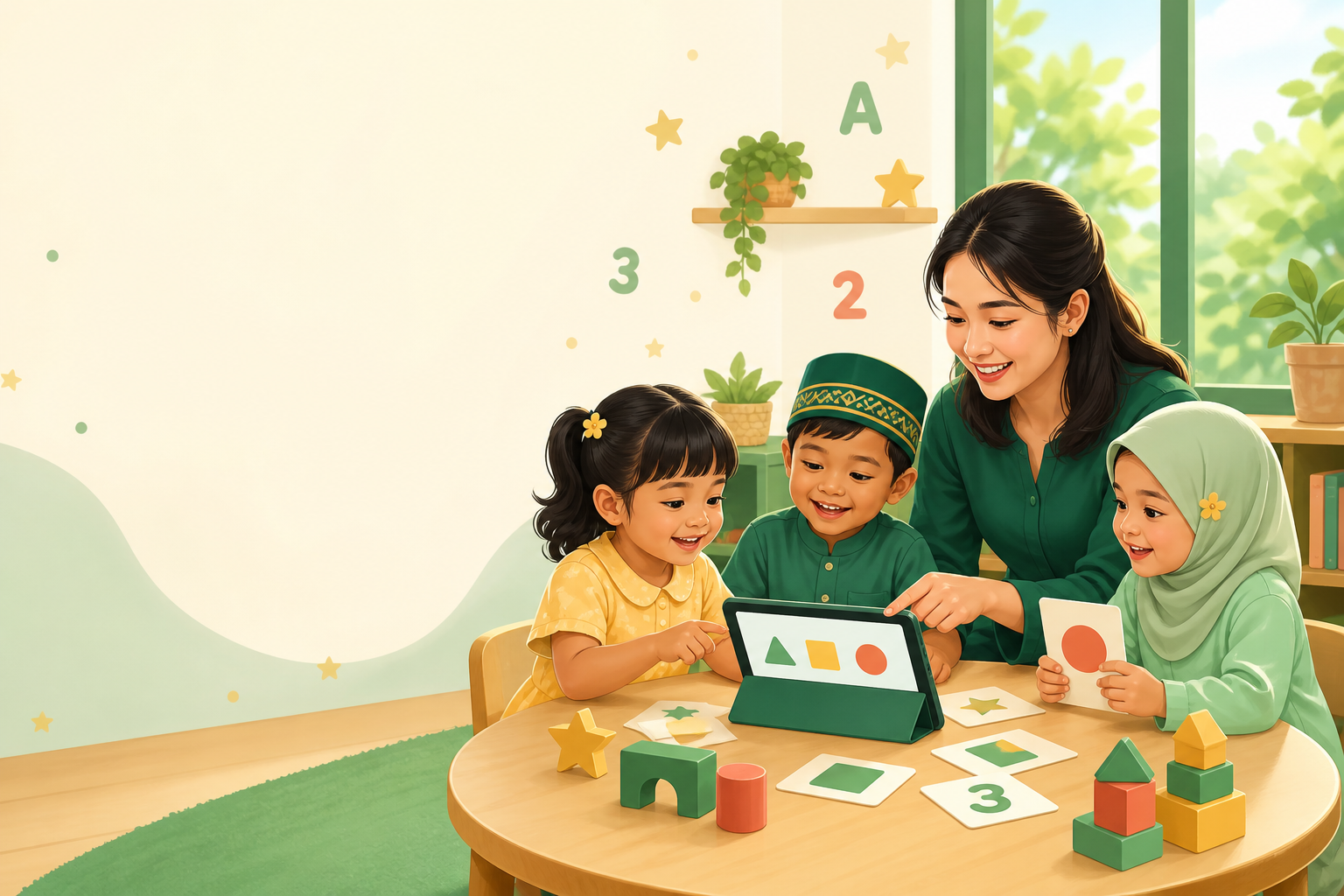
Made for every learner
Students get friendly, age-appropriate activities while teachers have the tools to create work, review submissions, and support every child.
Colorful exercises turn counting, matching, spelling, and creative tasks into small learning adventures.
Explore activitiesCreate activities, review student work, and follow progress from a clear, secure teacher workspace.
View teacher toolsInstall the student app, enter the learner code supplied by the teacher, and start assigned activities.
See how it worksInside the student app
Clear instructions, friendly feedback, and focused activity screens help young learners build confidence one step at a time.
Start in three steps
The teacher prepares the activity, the learner opens it in the app, and progress returns to the teacher portal.
Teachers create activities and provide each student with a secure access code.
Students open the Android app, enter their code, and complete assigned activities.
Teachers review submissions, monitor progress, and decide what support comes next.